Security at FlowPilot
A transparent look at how we protect your Flow Production Tracking data, credentials, and workflows.
Version 2.1 — Last updated: February 24, 2026
Prior versions of this document are available upon request at support@flowpilot.studio.
FlowPilot authenticates with your Flow PT instance using the App Session Launcher, the same mechanism used by ShotGrid Desktop, RV, and other Autodesk integrations. FlowPilot never sees your Flow PT password.
How it works
- FlowPilot requests a session via Flow PT’s internal API
- A popup opens on your Flow PT site where you sign in directly
- FlowPilot polls for approval, then exchanges the session token for OAuth credentials
- All your existing login methods work (SSO, 2FA, SAML)
What FlowPilot never has
- Your Flow PT username or password
- Your SSO or 2FA credentials
- Direct access to your identity provider
- Any way to bypass your Flow PT login security
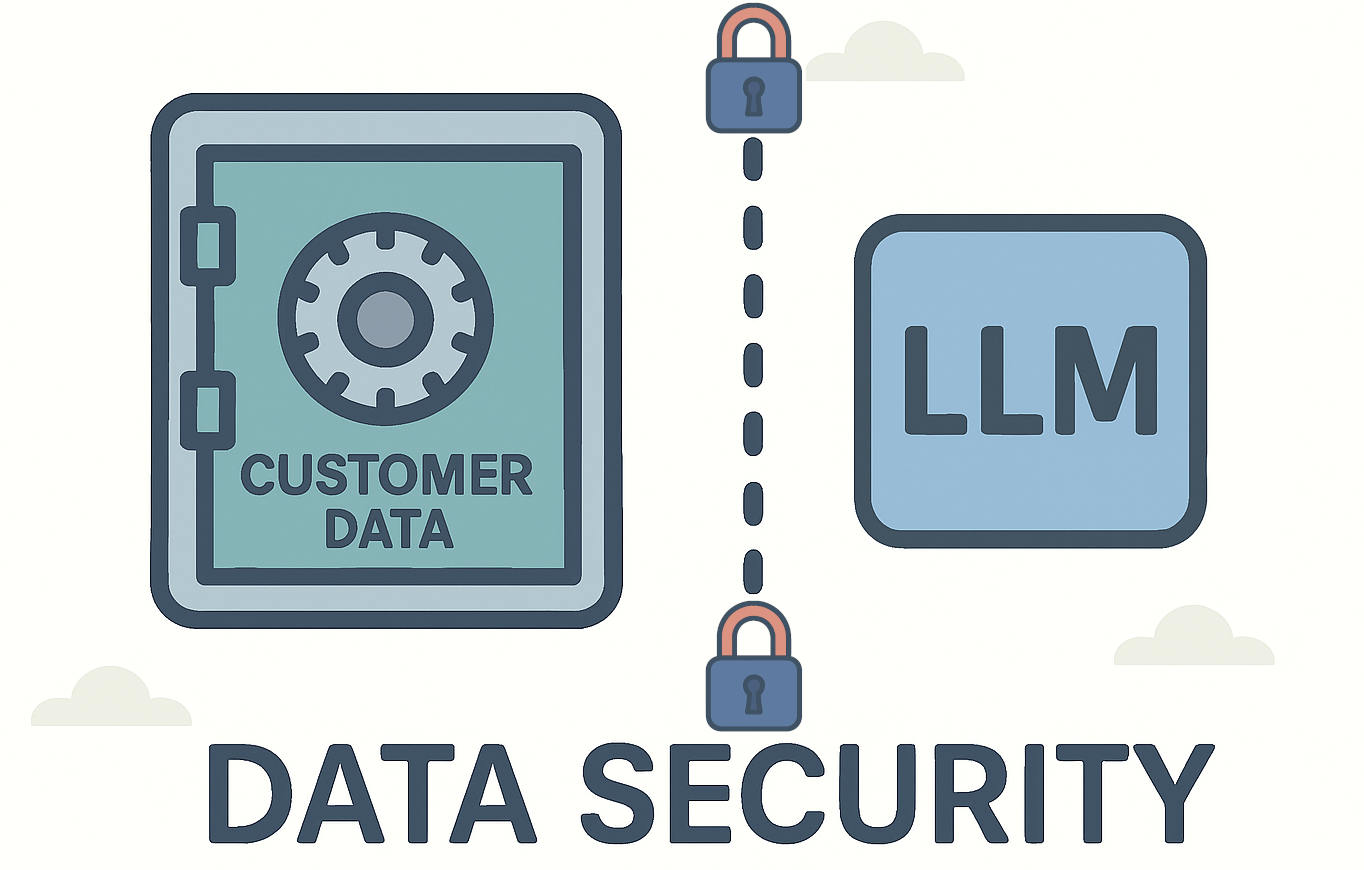
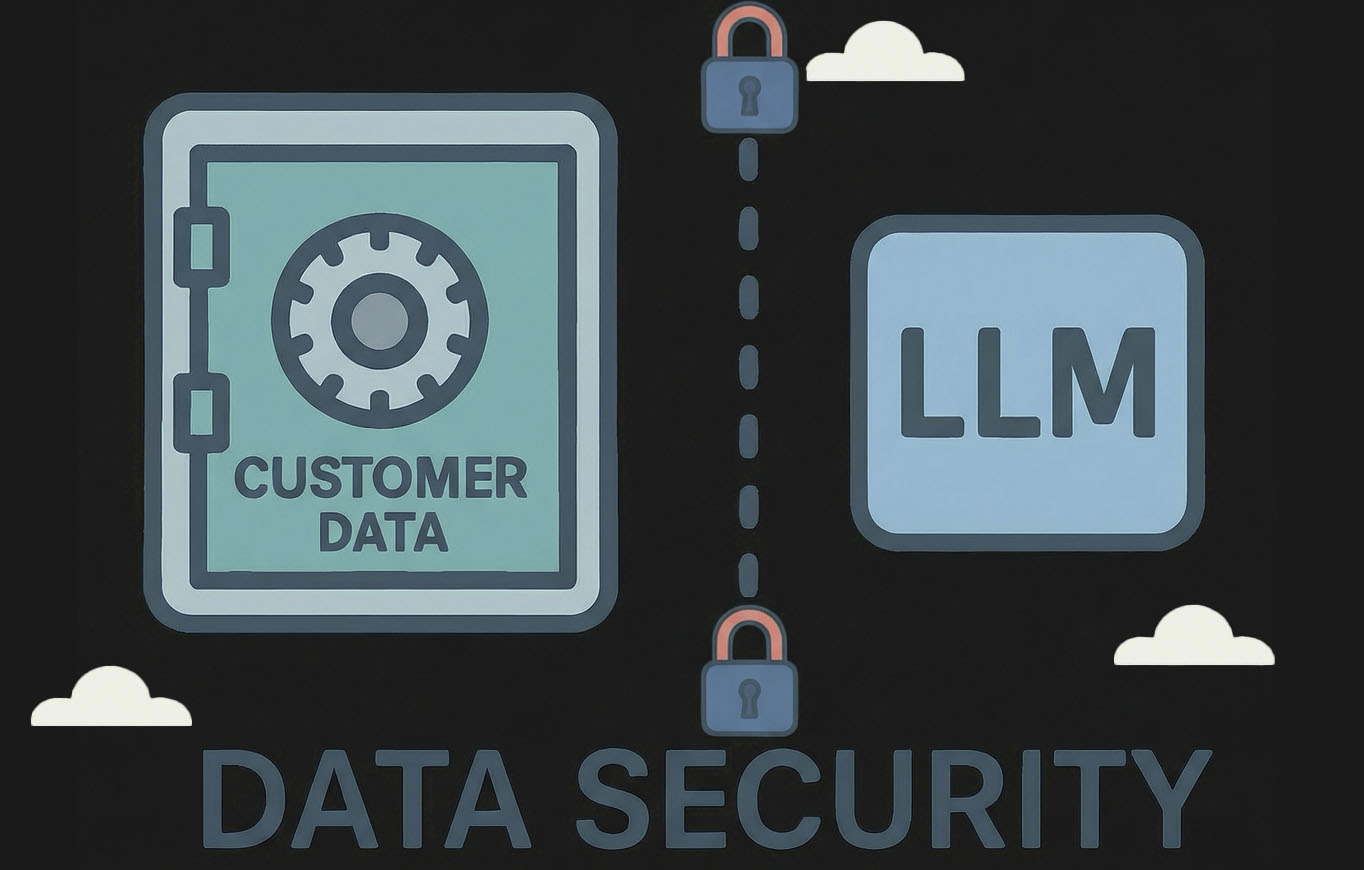
FlowPilot uses large language models provided by Anthropic to translate natural language into Flow PT API queries. The AI operates on metadata only (field names, entity types, and API capabilities), never your actual production data.
What AI receives
- Your natural language question
- Flow PT schema metadata (field names, types)
- API capability descriptions
- Schema metadata cached in your browser (IndexedDB, 10-minute TTL)
What AI never receives
- Your Flow PT credentials or tokens
- Your production data
- File contents or media
AI Interaction Logging
Your natural language queries, AI responses, and tool execution metadata (schema lookups, generated configurations) are logged for 90 days for debugging and service improvement. These logs contain schema metadata and query text — not your FPT production data. Logs are protected by Row-Level Security and visible only to you and service administrators.
All Flow PT credentials stored in FlowPilot are encrypted at rest using AES-256-GCM, the same standard used by banks and government systems. This applies to both user OAuth tokens and script API keys.
Encryption Specifics
- Algorithm: AES-256-GCM (authenticated encryption)
- Key size: 256-bit (32 bytes)
- IV: Random 16 bytes per encryption (prevents pattern analysis)
- Auth tag: 16-byte tag detects any tampering
Key Management
- Encryption keys managed by AWS Key Management Service (KMS), with all key operations logged via CloudTrail
- Envelope encryption: per-operation data keys wrapped by a KMS master key (key material never leaves KMS)
- Encryption keys and encrypted data stored in separate infrastructure providers, requiring compromise of multiple independent systems
- Emergency key revocation via KMS key disable
- Server-side only, never sent to your browser
User OAuth Tokens
When you connect to your Flow PT instance, your access token and refresh token are encrypted before storage. The server decrypts them only when needed to refresh an expiring token, then immediately re-encrypts the new tokens. Plaintext credentials are never stored or logged.
Script API Keys
Script credentials (used for automations and background operations) are encrypted identically. The encrypted key is never returned in API responses, not even to admins. The server decrypts API keys only to generate short-lived Flow PT session tokens for authorized operations.
Every API call to your Flow PT server uses your own OAuth token, so you only see and access data that Flow PT already authorizes for your account. FlowPilot never elevates or bypasses permissions.
Two Layers of Access Control
Flow PT Permissions (Your Server)
Entity access, field visibility, and project permissions are all enforced by your Flow PT server via the Bearer token on each API call. FlowPilot passes through your token. If Flow PT says no, FlowPilot respects that.
FlowPilot RBAC (Our Layer)
On top of Flow PT permissions, FlowPilot adds organizational role-based access control. Each product (Data Insights, Automations) has independent roles:
- Owner: Full control, billing
- Admin: Create, edit, manage
- Viewer: Read-only access
Live Data Exports let you connect Google Sheets, Excel, or any tool to a live CSV feed of your Flow PT data. Each export gets a unique token that serves as its access key.
Scoped, Individual Tokens
Each token is tied to one specific export with a fixed query configuration. A token gives access to exactly one dataset: the fields, filters, and entity type defined when the export was created. It cannot be used to access any other data, endpoint, or FlowPilot feature.
Token Properties
- UUID v4 (122 bits of entropy, not guessable)
- One token = one dataset, nothing else
- Admin-only creation and management
- Can be regenerated instantly to invalidate the old token
Why Tokens Don't Expire
Tokens are permanent by design. When you paste a CSV URL into Google Sheets or Excel, it refreshes automatically on a schedule. An expiring token would break your spreadsheets and require manual updates. Admins can regenerate a token at any time to revoke access.
Comprehensive Access Logging
Every request to a live data endpoint is logged with full metadata, so you always know who’s accessing your data.
The source classifier automatically identifies whether access comes from Google Sheets, Excel/Power Query, Python, cURL, a browser, or an API client, so unexpected access patterns are immediately visible.
Anomaly Detection
FlowPilot monitors live data access for anomalies across four dimensions:
SOC 2 Compliant Hosting
FlowPilot runs on Vercel, Supabase, and AWS — all SOC 2 Type II compliant platforms with regular independent security audits, monitoring, and incident response procedures.
Multi-Factor Authentication
All administrator access to infrastructure providers (Vercel, Supabase, AWS) is protected by multi-factor authentication.
Database Security
Row-Level Security (RLS) policies on every table enforce organization isolation at the database level. Even if application logic were bypassed, the database would reject cross-organization queries.
Webhook Infrastructure
Event-driven automations are processed by dedicated worker infrastructure on AWS EC2 (us-east-1). Webhook workers receive FPT events and execute automation rules using encrypted script credentials.
Session Security
Session cookies are HTTP-only (inaccessible to JavaScript), SameSite (CSRF protection), and Secure (HTTPS-only in production). A fresh database client is created per request to prevent state leakage between users.
Rate Limiting
Application-level rate limiting protects sensitive endpoints: AI endpoints (20 requests/minute per user) and authentication endpoints (10 requests/minute per IP) use sliding window limits. Public endpoints (like live data CSV feeds) have additional proxy-level rate limiting to prevent abuse and DDoS attacks.
All FlowPilot services feed into a centralized logging pipeline for real-time monitoring and incident detection. Logs are aggregated in Grafana Cloud Loki, with automated alerting and long-term tamper-proof archival.
Centralized Logging
Application logs from three sources — the Vercel application server, AWS webhook infrastructure, and Supabase database — are aggregated in Grafana Cloud Loki for unified querying and correlation.
Structured Security Events
- Login/logout and failed authentication attempts
- Admin actions (invites, role changes, member removal)
- Rate limiting triggers
- Webhook signature failures
- Credential decryption errors
Alerting
Automated alerts are configured for:
- Brute-force login attempts
- Cross-tenant access denials
- Webhook signature failure spikes
- Sustained rate limiting events
Tamper-Evident Archive
Logs are archived to AWS S3 with Object Lock (WORM compliance mode) for 455 days. No user — including root — can delete or modify archived logs before retention expires. CloudTrail audits all access.
FlowPilot is operated by Zen Coders, S.C., a company registered in Mexico. For general questions about our security practices or information for your organization’s security review, reach out at support@flowpilot.studio.
To report security concerns, vulnerabilities, or incidents, contact us at security@flowpilot.studio.
Logged-in users can visit our Support page for emergency escalation options.
See also our Privacy Policy and Terms of Service.